Start here
Start your trial
Signing up takes three short screens, then you choose a plan. Flow needs a card to start the 14-day trial. If you cancel before day 14, you pay nothing.
What it's for
Do this once to set up your agency in Flow. After that, Flow can start sending your clients notes in your name.
Last updated
Who can do this: Anyone starting a new agency in Flow. That person becomes its owner.
Create your account
- Go to app.flowhq.so/signup.
- Type "Your name", "Email" and "Password". The password needs at least 10 characters.
- Click "Continue".
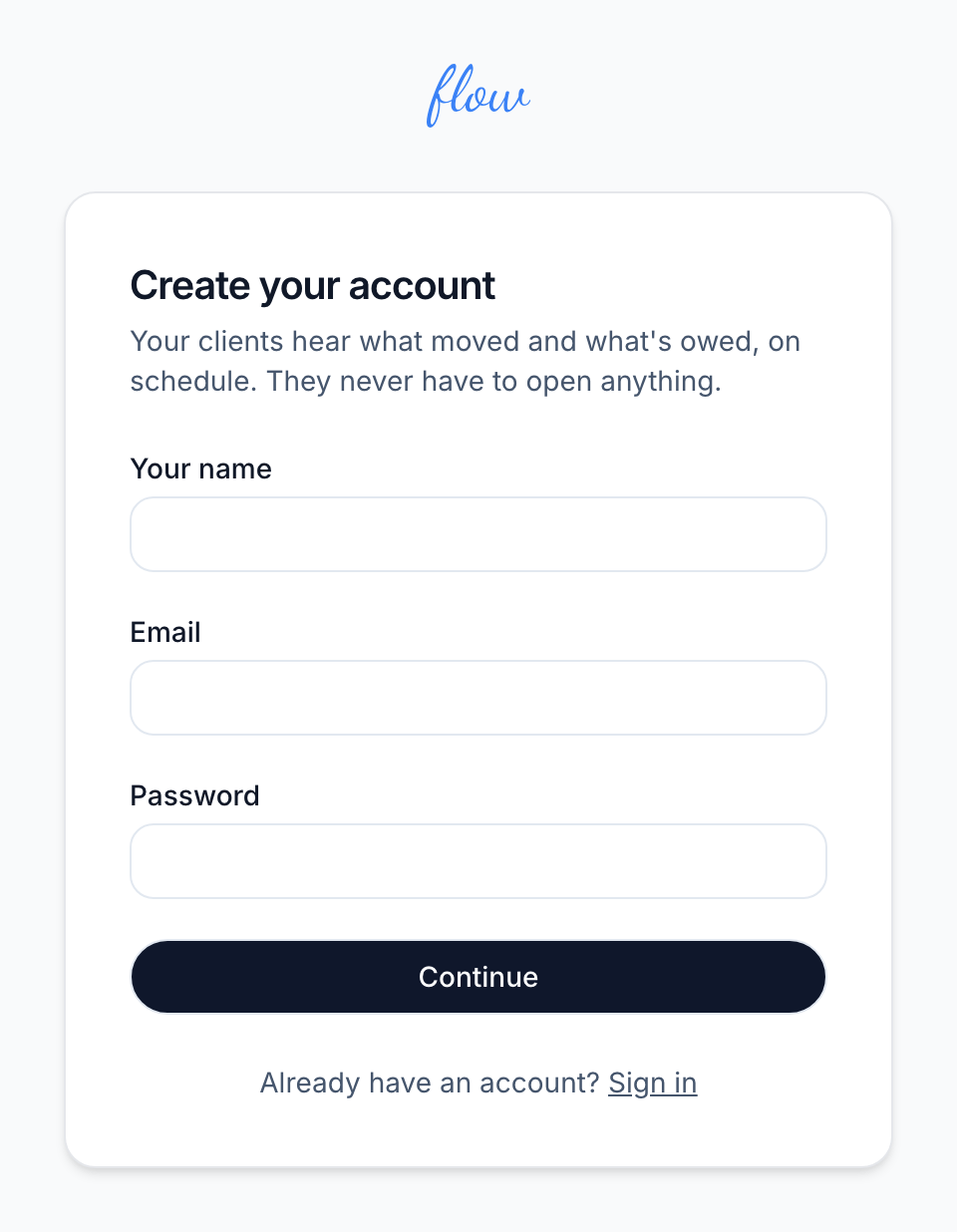
If the email is already registered, or the password won't do, Flow says why on this screen.
Tell Flow about your agency
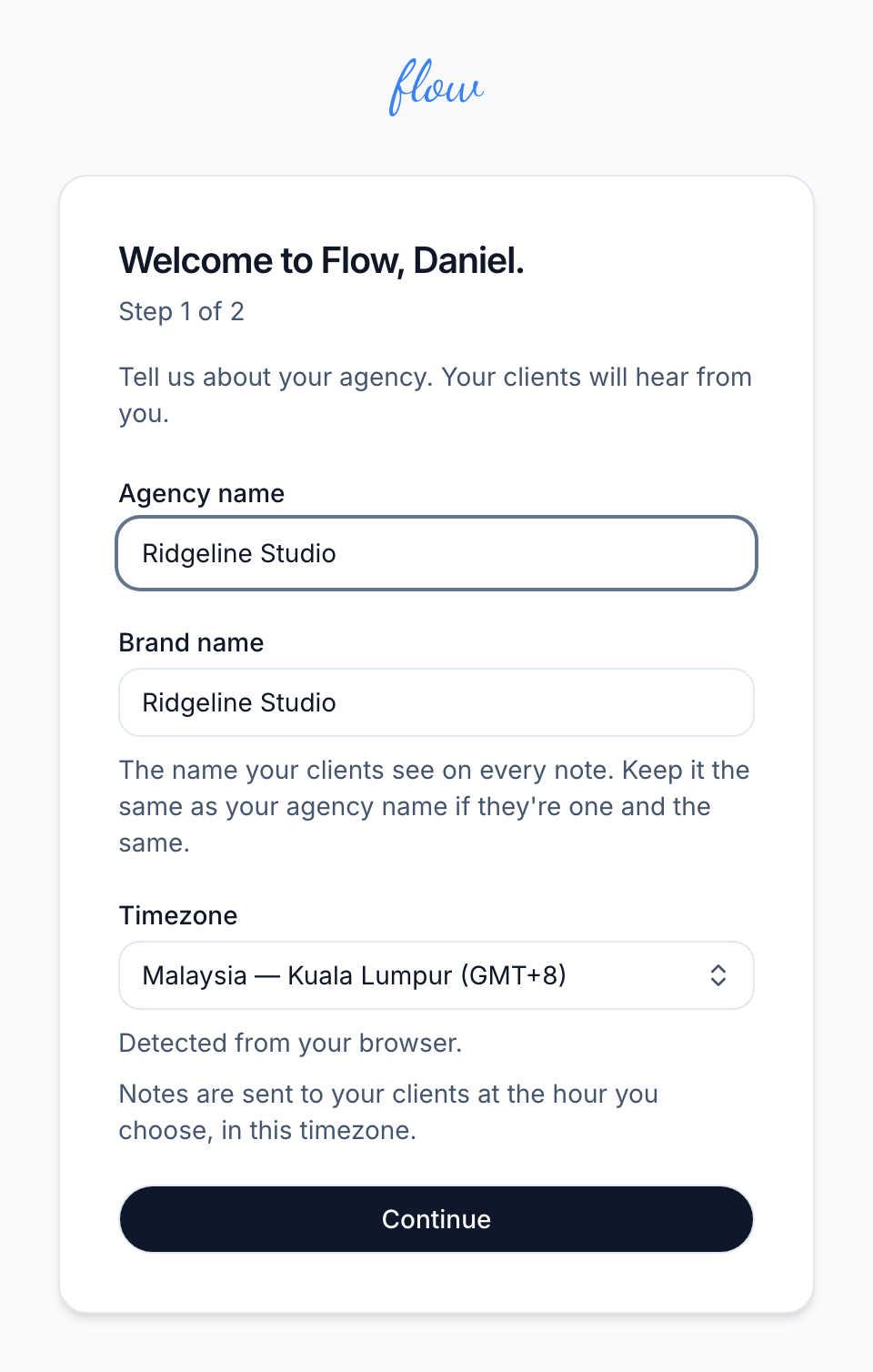
The next screen is marked "Step 1 of 2".
- Type your "Agency name".
- Check "Brand name". It copies your agency name as you type. Clients see it on every note, so change it only if they know you by another name.
- Check "Timezone". Flow fills it in from your browser. Notes go out at the hour you choose, in this timezone.
- Click "Continue". Flow creates your account and signs you in.
Tell us how you work (optional)
The screen marked "Step 2 of 2 · Optional" asks four questions about your agency. Flow doesn't connect to any of the tools you name. Your answers don't change anything Flow sends.
- Choose your "Business type" and "Team size".
- Choose your "Project management tool" and your "Accounting or invoicing software".
- If you choose "Others", type the name in the box that appears.
- Click "Finish". To leave it for now, click "Skip for now" instead.
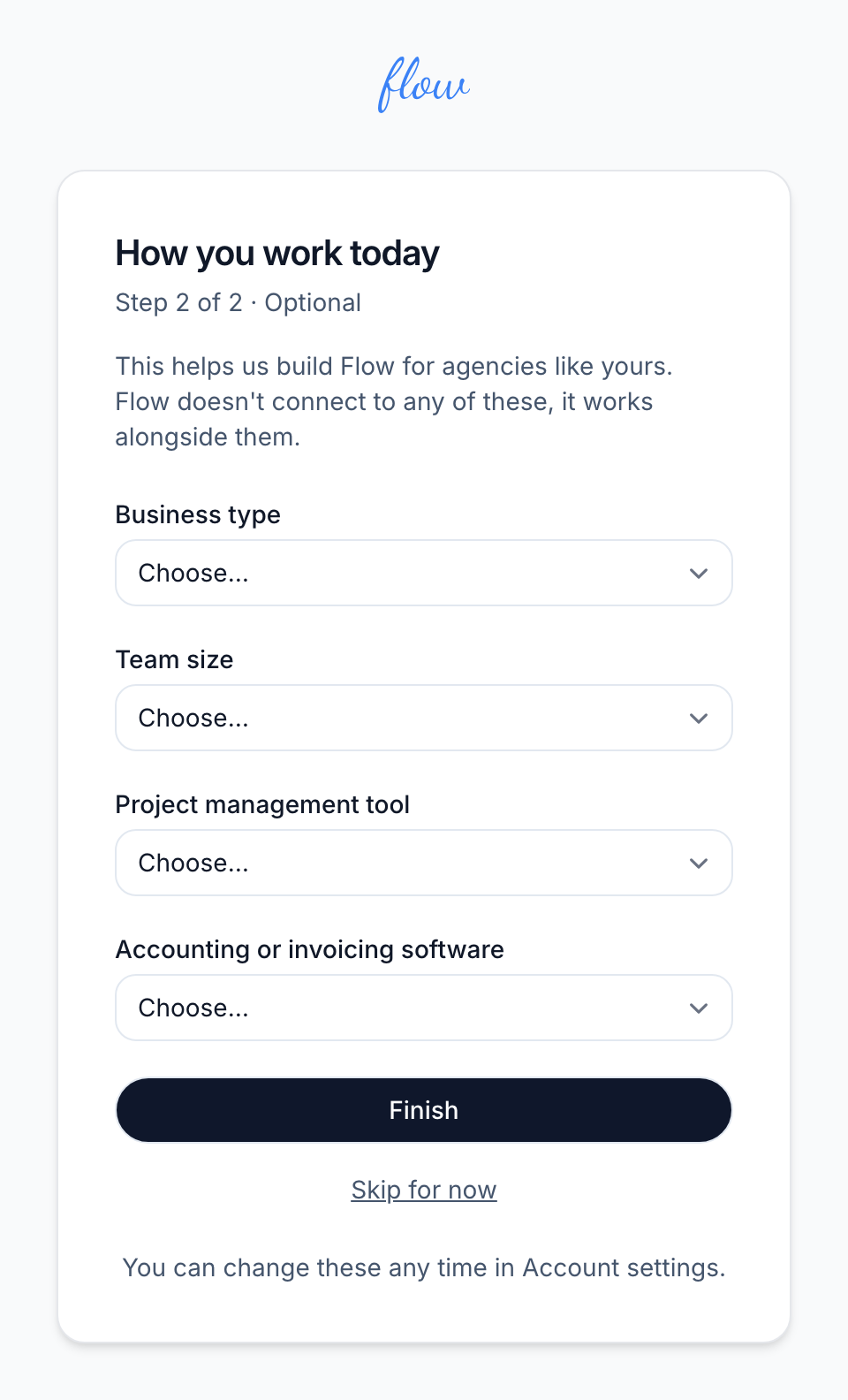
You can change your answers later in Account settings.
Choose a plan and start the trial
Next you see "Choose your plan". Every plan has every feature. They differ only in how many engagements can be active at once. An engagement is one client project or retainer, and a note is the email Flow sends about it. See How Flow works.
- Click "Yearly" or "Monthly", if the page shows them. Yearly is chosen to start with.
- Click "Choose" beside a plan.
- Enter your card on the page that opens. It belongs to Paddle, the company that takes payments for Flow.
- Wait for Flow to confirm your subscription. This usually takes less than a minute. Reload the page if nothing changes.
- Click "Go to your dashboard" once the page says "You're subscribed — Flow is ready".
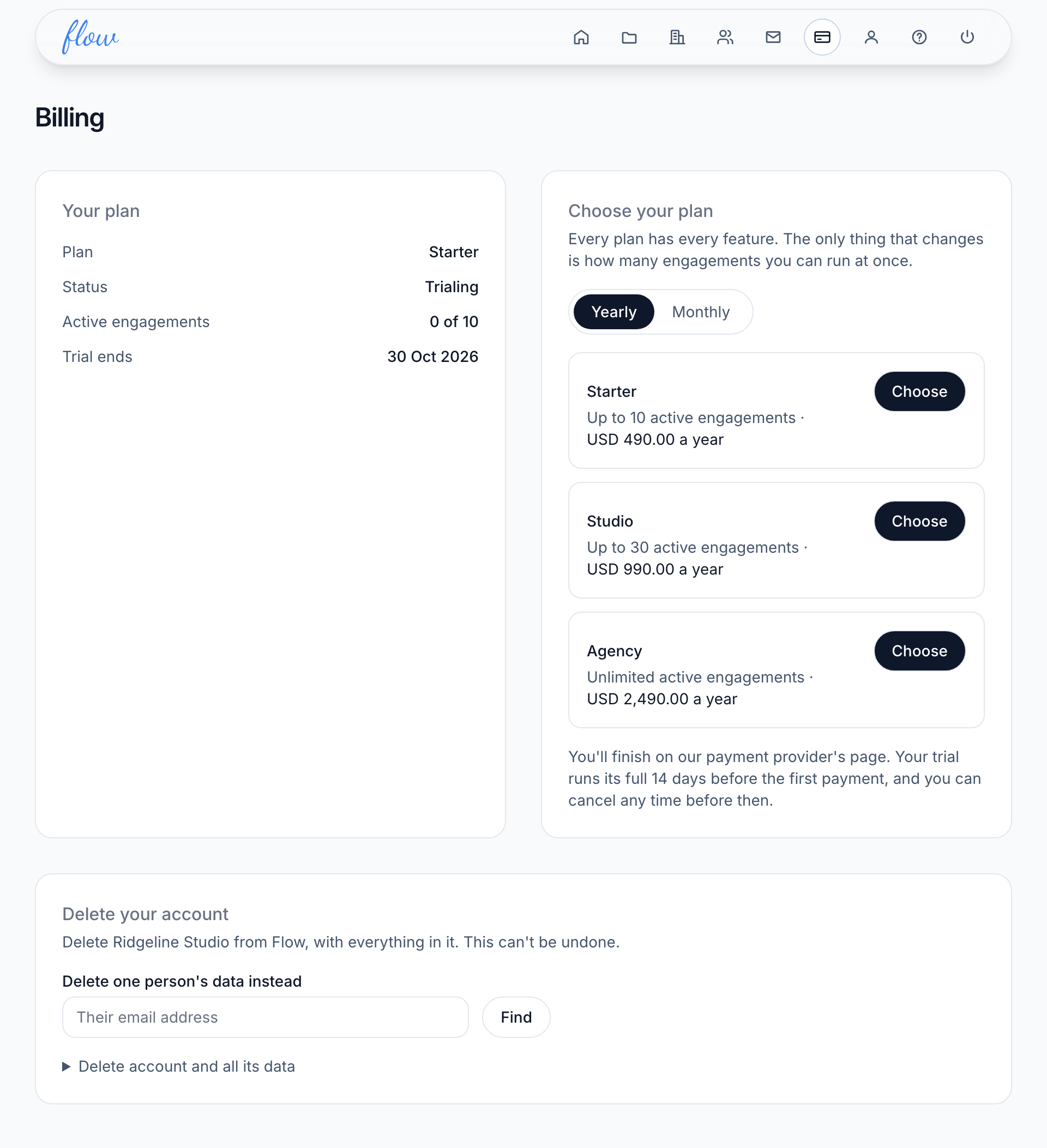
You pick monthly or yearly here before you have a subscription, or again after one has ended. Once you've subscribed, it can't be changed here. Until you've chosen a plan, signing in brings you back to this page.
What the trial costs
| Topic | Details |
|---|---|
| The trial | 14 days free, with a card on file. On day 14 it becomes your chosen plan. You can cancel any time before then. |
| The guarantee | If Flow isn't working for you, ask within 30 days of your first payment and we'll refund it. |
| Tax | Prices are in USD. Any sales tax or VAT is added at checkout. |
The free trial is for new customers only. To cancel or change plan, see Plans and billing. To come back later, see Signing in.
Related
-
Signing in
Sign in and out, switch between agencies, and what to do if you forget your password.
-
Your first engagement
Add your first engagement, its client and the invoice they owe.
-
Plans and billing
Plans and limits, upgrading, your card, failed payments and cancelling.
Still stuck? Email marshal.yung@gaiaco.io.