Account
If something in Flow looks wrong
Sometimes Flow shows a message instead of the screen you wanted. This page explains each one, what caused it and how to get going again.
What it's for
Use it when Flow stops you with a message, so you can fix it yourself or know who to ask.
Last updated
We couldn't take your payment
This notice sits at the top of every screen except Billing after a payment for your Flow plan fails. It counts down the days until Flow pauses. Flow works as normal until then.
- Click "Update payment" in the notice. Only owners see this link.
- On Billing, click "Update payment details".
- Change your card on our payment provider's page.
Members see "An account owner can sort this out." Tell an owner on your team. More in Plans and billing.
Your subscription needs attention
Flow shows this page instead of your screens when a payment is still unpaid and Flow has paused. Owners can still open Billing, and sign out from there. There's no sign-out on this page, so a member can close the browser instead. That signs you out.
If you're a member:
- Tell an owner on your team that Flow is paused.
- Ask them to update the payment details on Billing.
- Reload the page once they have.
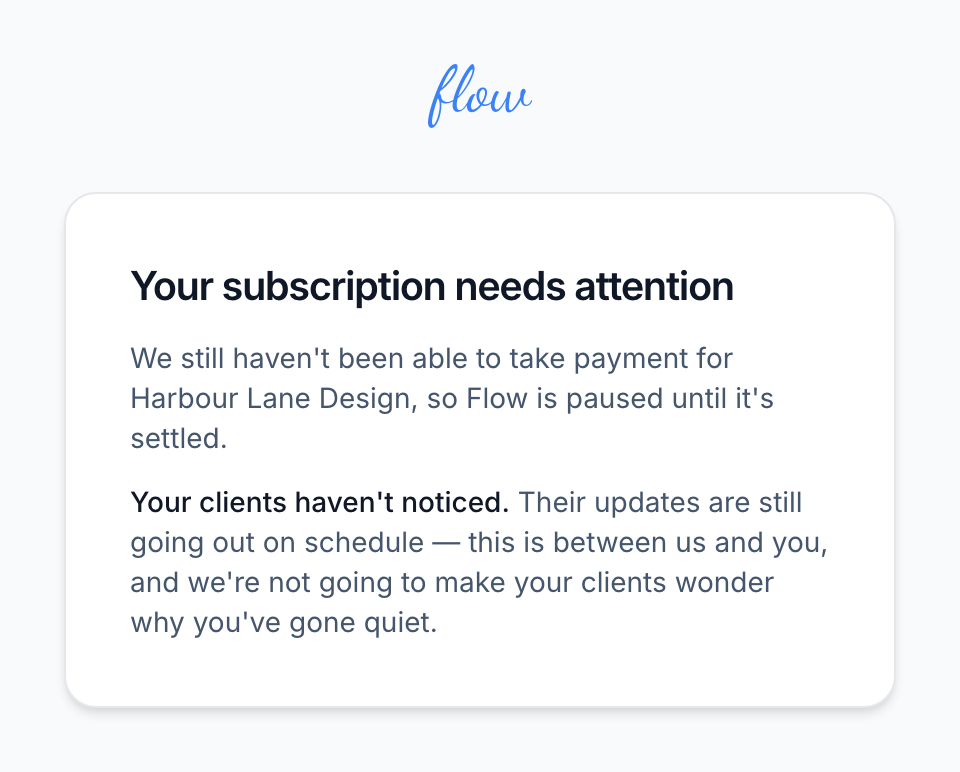
If you're an owner, the same page has an "Update payment" button.
- Click "Update payment". It takes you to Billing.
- Click "Update payment details" and change your card.
- Click "Resume my subscription" if Billing says "Your subscription is paused".
The steps are in Plans and billing.
This subscription has ended, or Flow isn't set up yet
A member sees "This subscription has ended" once the agency's subscription has ended. That happens when an owner cancels, or after payments keep failing. Flow is closed, and clients' notes have stopped. A member sees "Flow isn't set up yet" when no owner has chosen a plan.
- Tell an owner on your team.
- Ask them to choose a plan on Billing.
Owners don't see either page. Flow takes them straight to Billing to choose a plan.
This page expired before it was sent
You see this if you send the sign-in, sign-up or invitation form after leaving it open for over an hour. It also happens if you signed in again in another tab after opening the page. Clicking the power icon after Flow signed you out does the same. The page says "Nothing was changed", so whatever you typed wasn't saved.
- Click "Continue".
- Sign in again if Flow asks you to.
- Open the page you were on.
- Fill in the form again and send it.
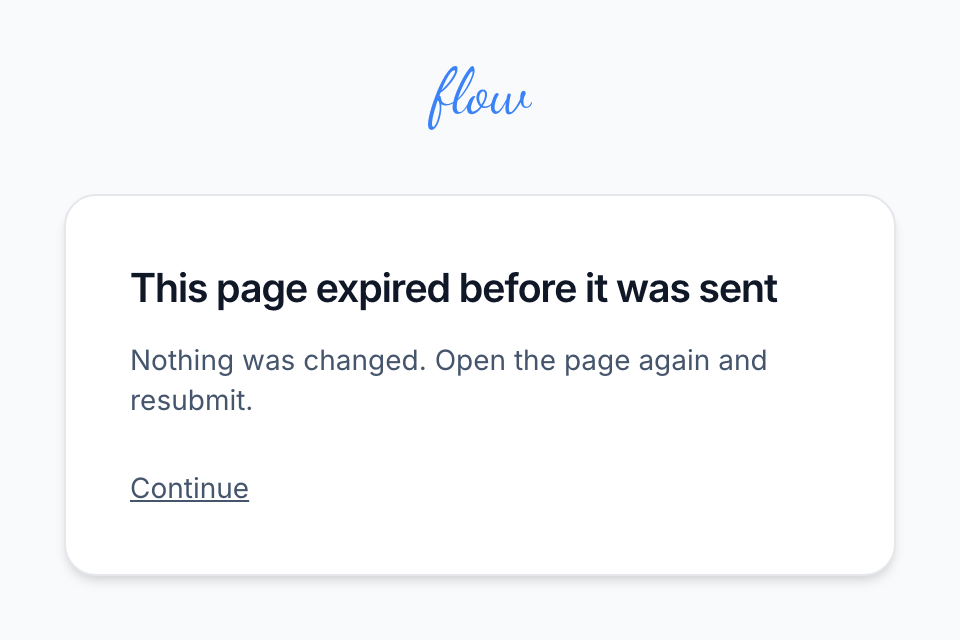
If Flow signed you out while a page was open, sending its form takes you to the sign-in page instead. What you typed isn't saved. See Signing in.
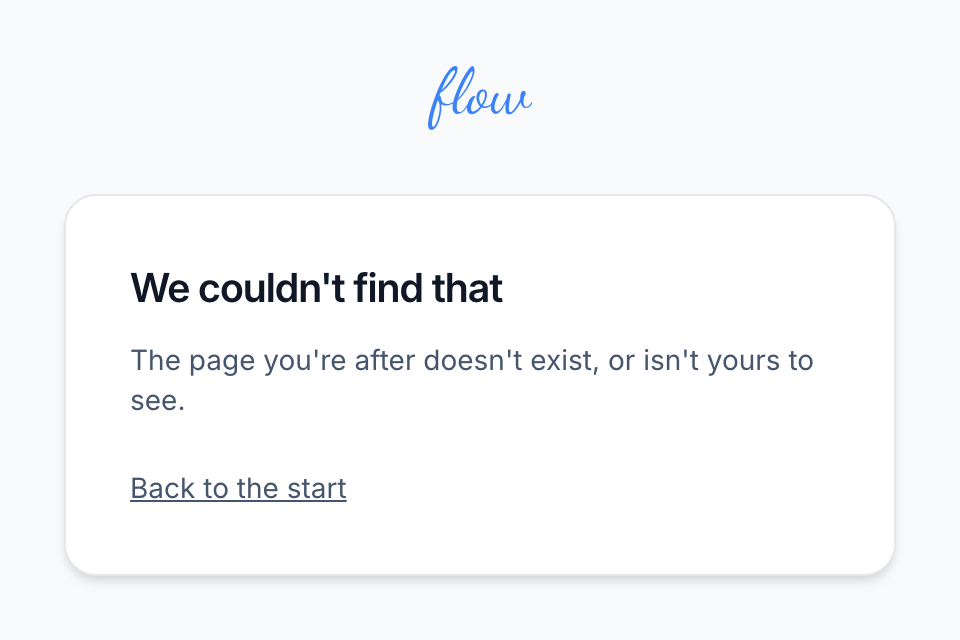
We couldn't find that
The address you opened doesn't exist, or it belongs to an agency you aren't looking at. A mistyped link, an old bookmark or a deleted contact can all cause it.
- Click "Back to the start".
- If you belong to more than one agency, switch to the right one on the home screen.
- Find what you wanted through Flow's own menus.
You don't have access to this
A member sees this on a page that only owners can use, such as Billing, Deliverability or deleting a contact. The page says only the account's owners can use it.
- Click "Back to dashboard".
- Ask an owner on your team to make the change for you.
What owners and members can each do is on the Team page.
This link no longer works
A client sees this page if they open an old link asking whether they want an agency's notes again. The link works for 14 days, and only once. If you're the client:
- Check your inbox. If you clicked "Yes, send me updates" before, the notes have already started again.
- Contact the agency that sent the link if you still want the notes.
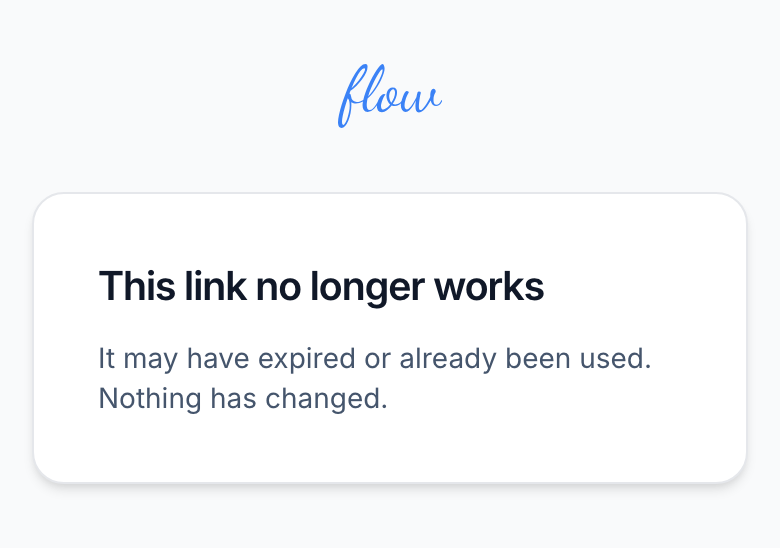
If you're the agency, a used link means the client is getting notes again. If it ran out, Flow won't let you ask again about the same stop. In that case:
- Open the engagement and click "Cadence".
- Find the client under "Recipients".
- Write to them yourself if they still show as "Unsubscribed".
If a client can't open their project page, see How clients see their project page.
Related
-
Plans and billing
Plans and limits, upgrading, your card, failed payments and cancelling.
-
Signing in
Sign in and out, switch between agencies, and what to do if you forget your password.
-
Team
Invite your team, and what owners and members can each do.
-
How clients see their project page
How clients open their project page with a code, and how to help.
Still stuck? Email marshal.yung@gaiaco.io.