Start here
Sign in, sign out and switch agency
You sign in to Flow with your email and password. You stay signed in for up to 20 hours, or until you close your browser.
What it's for
Use this page when you come back to Flow, share a computer, or work for more than one agency.
Last updated
Sign in
- Go to app.flowhq.so/signin.
- Type your "Email" and "Password".
- Click "Sign in".
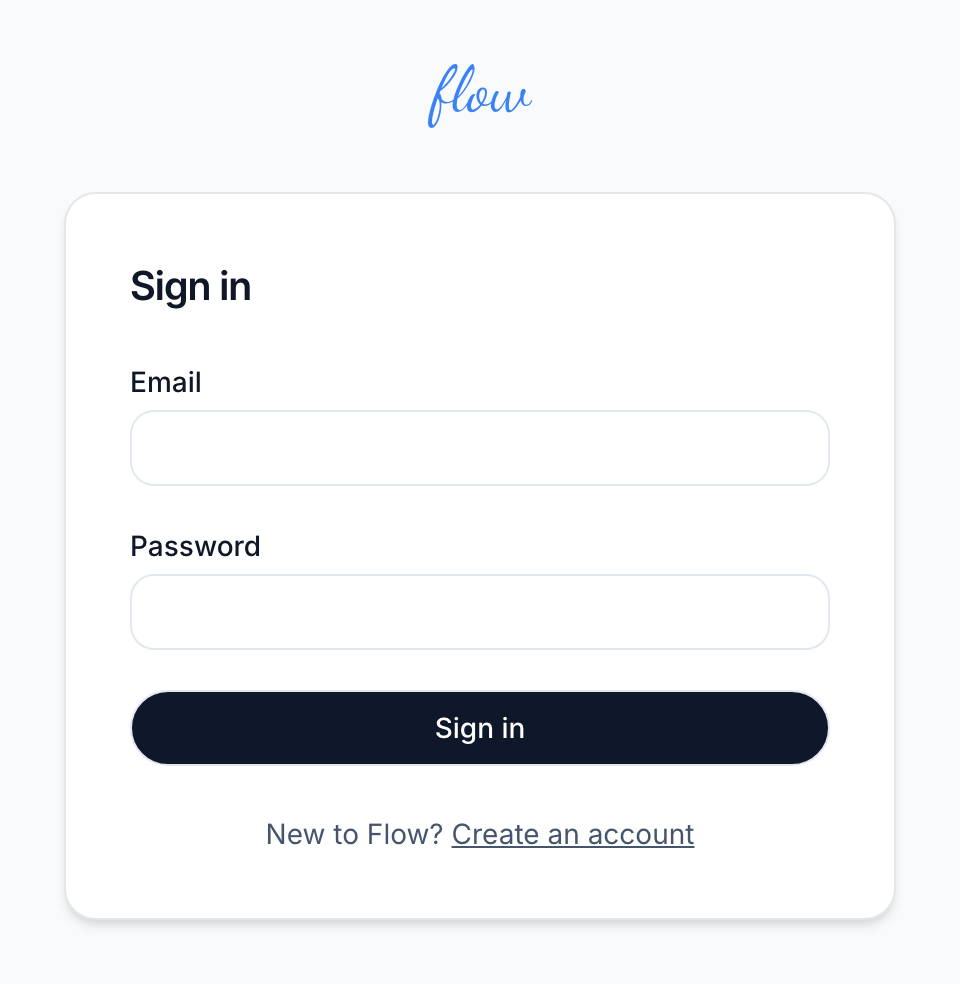
Flow opens your home screen. If your email or password is wrong, Flow says "That email and password did not match." Check both, then try again. If you no longer belong to any agency, it says "That account is no longer active."
If your agency hasn't chosen a plan yet, an owner lands on the billing page instead. See Start your trial.
Sign out
- Find the power icon. It's the last icon in the bar at the top of the screen.
- Click it to sign out.
- Tap the menu button first if you're on a phone, then tap "Sign out".
Flow takes you back to the sign-in page. Sign out when you finish on a shared computer.
How long you stay signed in
You stay signed in for 20 hours from the moment you sign in. Using Flow doesn't make it last longer. Closing your browser signs you out sooner.
After that, Flow asks you to sign in again. If you send a form after that, Flow opens the sign-in page instead. Nothing was saved. Sign in, open the page again and fill it in. If you click the power icon after that, Flow says the page expired. Click "Continue" to sign in again. More in If something looks wrong.
Switch agency
You can belong to more than one agency in Flow with the same email. This happens when another agency invites you to its team. When you sign in, Flow opens the agency that comes first in alphabetical order.
- Click the house icon in the top bar to open your home screen.
- Find the list of agencies at the top right, beside your agency's name.
- Choose the agency you want.
- Click "Switch".
Everything you see now belongs to that agency, until you switch back. The list only shows on the home screen, and only if you belong to more than one agency.
If you forget your password
Flow doesn't have a reset link yet. Email marshal.yung@gaiaco.io from the address you sign in with, and we'll help you back in.
Related
-
Start your trial
Create your account, set up your agency and start the 14-day trial.
-
Team
Invite your team, and what owners and members can each do.
-
If something looks wrong
What Flow's warning and error pages mean, and how to get going again.
Still stuck? Email marshal.yung@gaiaco.io.